
Redesigning a website can be a stressful experience. There are a lot of moving parts to track and maintain; not to mention, all of the obstacles that pop up along the journey towards progress.
Before the site-build can begin, you’ll come in contact with two pieces: the sitemap and the wireframe.
What’s the difference?
It’s one of those questions many clients are afraid to ask.
Sitemap
Some of the confusion could be due to an overlap of terms. The sitemap you see during the design process is simply a planning tool for the design and organization of your website. The Sitemap (or XML Sitemap) is created for search engines and contains the URLs and metadata of accessible pages on your site.
Everyone has their own process, but you’ll generally see the sitemap first. Think of it like a table of contents for the website. It will lay out the navigation for the site in a flow chart-style format. This helps you and the designer formulate and solidify what types of content will be located on what sections of site.
It’s hierarchical, so you’ll be able to see the top navigational categories and any associated dropdowns. If there are pages that will have custom navigations (those that differ from the homepage), you’ll see those as well. It definitely makes visualizing the navigation of your site and understanding how visitors will move around it much easier.
Wireframe
Once the sitemap is approved, the wireframe generally comes next. This is another planning tool used during the design process; it expands on the sitemap and becomes a more robust representation of what your new site will include and how it functions.
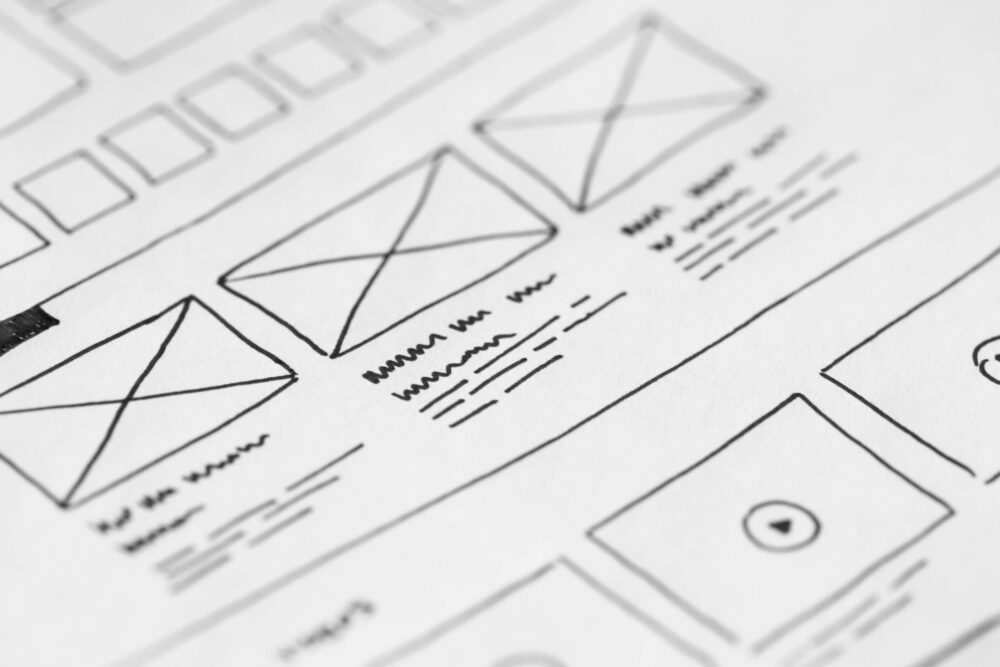
A wireframe is often referred to as a “skeletal framework” or a “screen blueprint” of a webpage and provides a visual guide of what a visitor can expect to see on a page, what functions should be available to them, and any rules associated with the display of that information.
You may not have the exact content finalized yet, but, for the wireframe, it’s enough to know what type of content it will be and what kind of space it’s expected to have. Images will take up a different amounts of space based on the type (banners vs. hero images vs. product previews, etc.) and will need to fit with any copy to be included on the page. By expanding upon the sitemap into a wireframe, you and your designer understand not only what a page contains, but how visitors will be able to interact with the content on it as well.
Asking questions is an important part of the redesign process. By ensuring everyone is on the same page at the beginning of the project and throughout, you’ll be able set realistic expectations and stay on schedule. No need to throw any extra wrenches into all of those moving parts.